
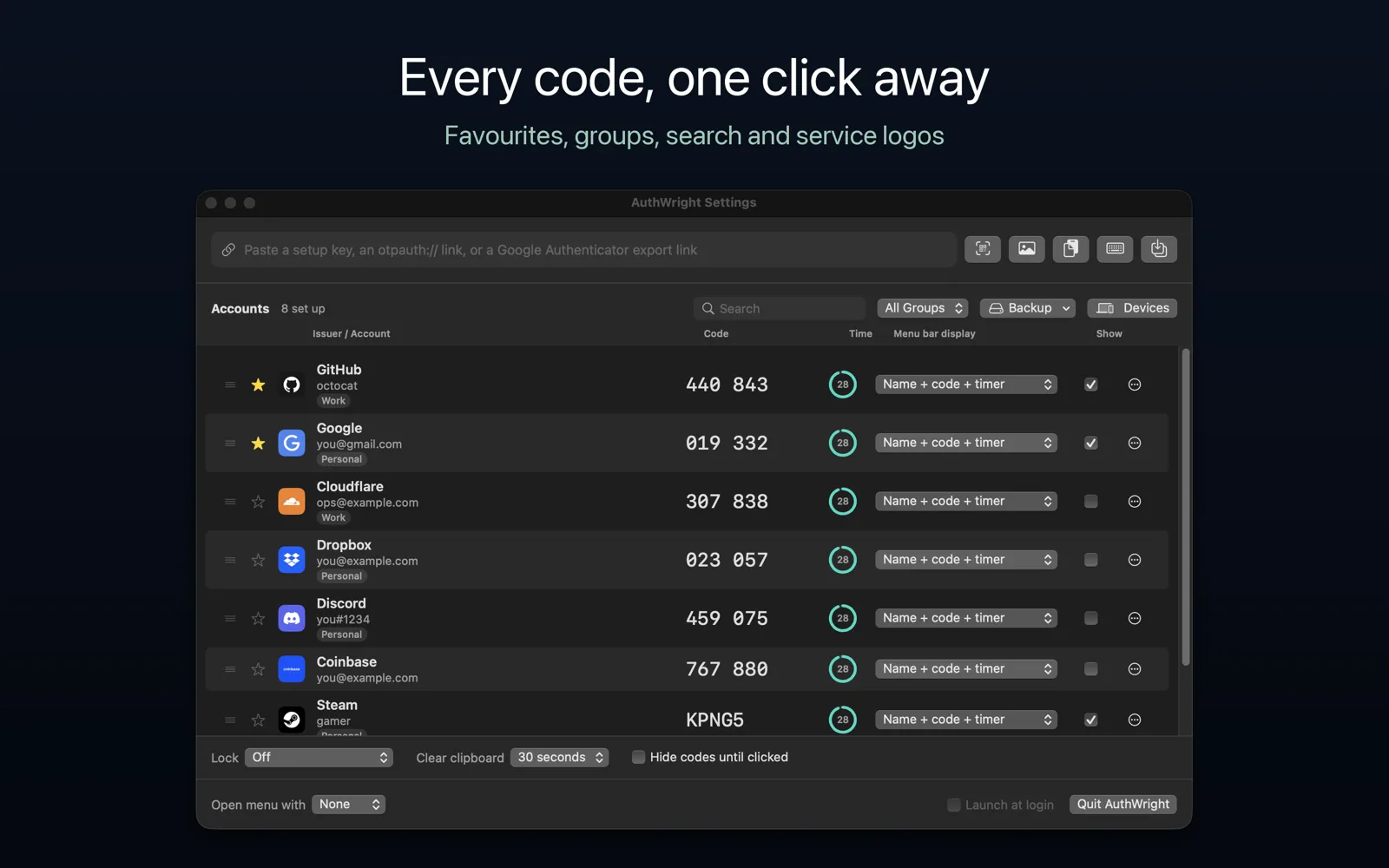
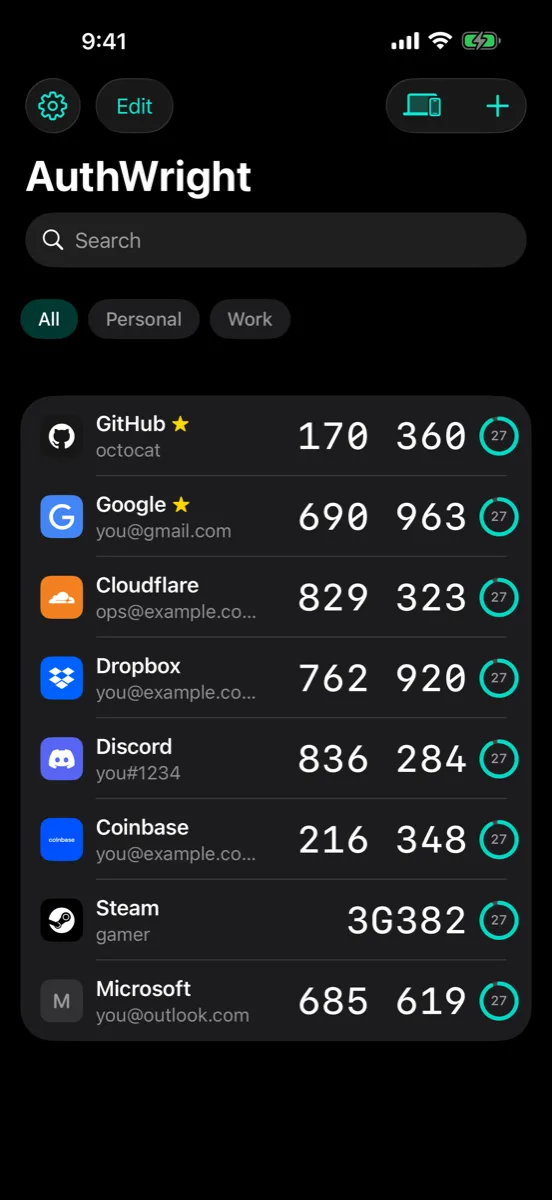
AuthWright keeps your two-factor sign-in codes one click away, in the Mac’s menu bar — and on your iPhone, iPad, Apple Watch and Android phone too. Pin the codes you use most to the menu bar itself, or open the menu to see them all with the seconds each has left. Click one and it is on the clipboard, ready to paste, and gone from the clipboard again a few seconds later.
Adding accounts
- Scan a setup QR code straight off your Mac’s screen, with your phone’s camera, or from an image.
- Paste a setup key or an
otpauth://link. - Bring everything across from Google Authenticator’s “Transfer accounts” codes, or import an export from Aegis, 2FAS, Bitwarden, andOTP, FreeOTP+, Ente or Proton Authenticator.
- Time-based, counter-based and Steam Guard codes; SHA-1, SHA-256 and SHA-512; six to eight digits.
Finding them
- Search by service, account or group. Favourites stay at the top; groups like Work and Personal filter the list.
- Service logos so a long list reads at a glance — built into the app, never looked up online.
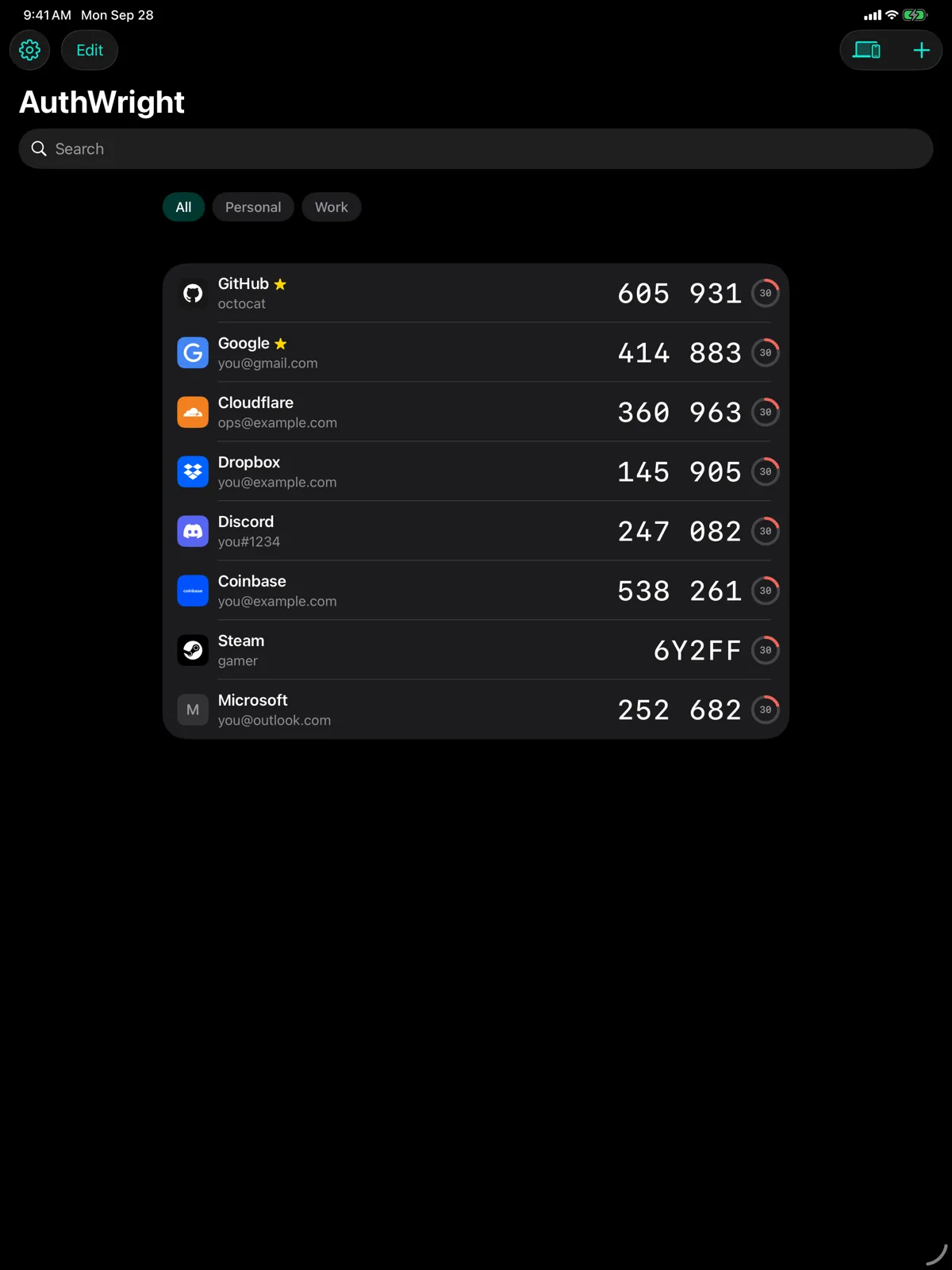
- On iPhone and iPad, AutoFill offers the code above the keyboard when a website asks for one, and “Copy a code” works from Shortcuts and Siri, always behind Face ID.
- On Apple Watch, your time-based codes are made on the watch itself, so they are right even when your phone is not nearby.
Keeping them safe
- Secrets live in the Keychain on Apple devices and in the Keystore on Android.
- An optional lock asks for Touch ID, Face ID or your password, and locks again when you leave.
- Codes can be hidden until clicked. Copied codes are marked so clipboard managers skip them, and are cleared automatically.
- The Mac settings window is kept out of screenshots and screen sharing.
- A warning if your device’s clock is far enough out to spoil codes.
Your other devices
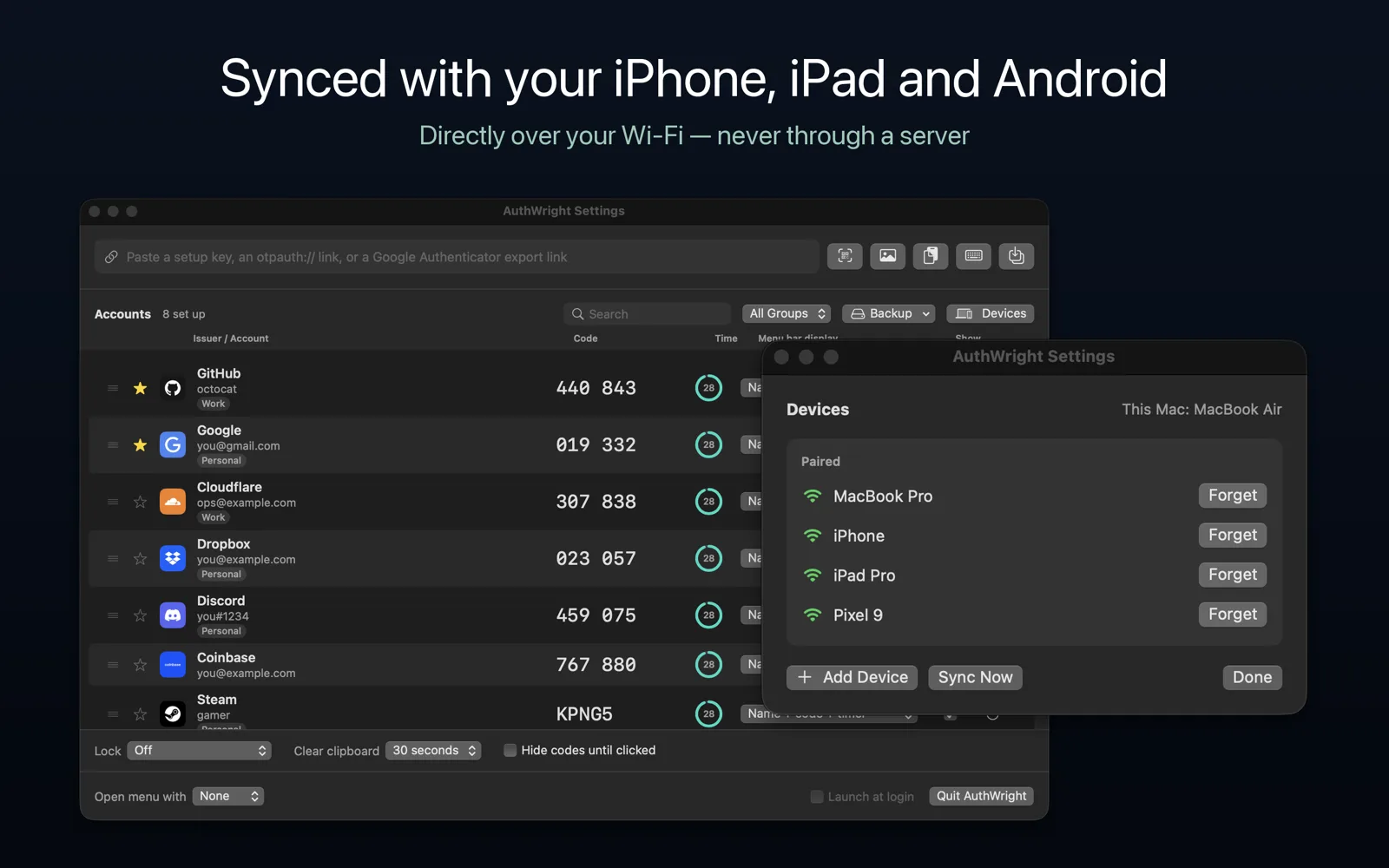
Pair AuthWright on your Mac, iPhone, iPad and Android devices and your accounts stay in step. Devices talk directly over your own Wi-Fi, encrypted, after you compare a code on both screens. There is no account to create and no server that ever holds your secrets. A removal on one device never deletes an account elsewhere without asking.
Backups
Save an encrypted backup protected by a passphrase only you know — or, on the Mac, let AuthWright save one automatically to a folder you choose whenever your accounts change. Restore it on any device. Recovery codes can be kept alongside each account.
More screens
Private by design
No ads, no tracking, no data collected. AuthWright talks to your own paired devices, and makes one request to apple.com to check your clock — nothing about you is in it. See AuthWright’s privacy policy.
Questions, or something not working? Get in touch — we read every message.